What is a skills assessment?
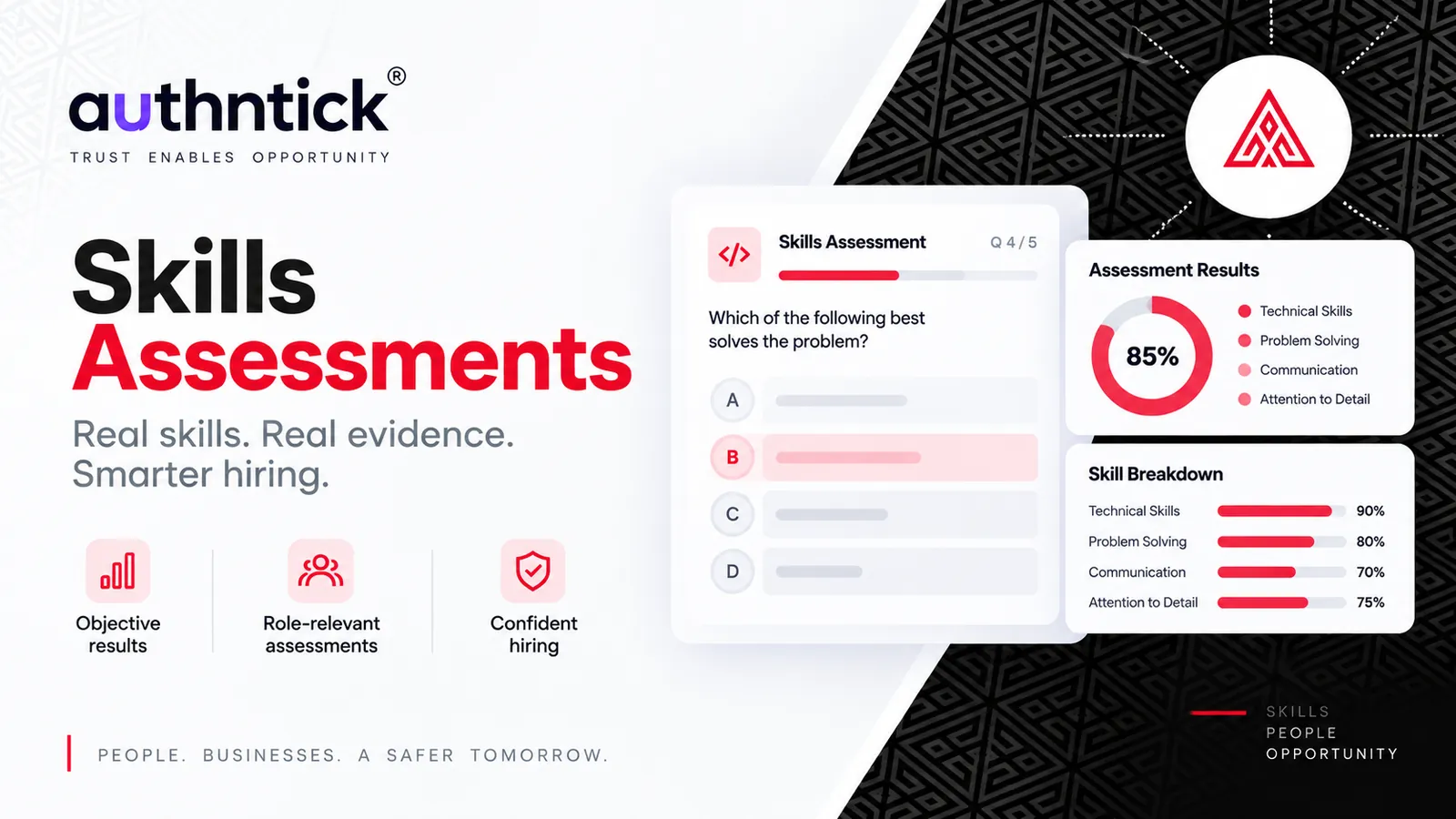
A skills assessment is a structured evaluation designed to measure a candidate’s knowledge, capabilities or judgement in areas relevant to a particular role.
A CV describes experience. CV Screening helps organise that experience against role requirements. An assessment adds a different kind of evidence: how a candidate answers a role-related question, applies knowledge to a scenario or explains an approach to work. It can help a hiring team identify strengths and topics to explore in an interview.
In AuthNTick, teams can generate an editable assessment with AI, start with a pre-built template or create their own questions. The example below shows how a completed assessment can bring the answers, score and explanation together.
AuthNTick · Skills Assessment
Illustrative resultEmail, Calendar & Workload Coordination
CandidateSophie Martin
- Status
- Completed
- Questions answered
- 10 / 10
- Score
- 8 / 10
Question 1 of 10
What should a planning meeting invitation include so people can judge relevance and prepare?
Single choice · 1 mark
- A.
Invite the whole distribution list as required attendees.
- B.
Use a detailed case name in the calendar title.
- C.
Let an inbox rule close messages automatically.
- D.
A meeting invitation should state purpose, time, attendees and useful preparation.
✓ Correct answer · Selected by candidate
Why this is correct
Clear invitations let recipients judge relevance, prepare and resolve conflicts.
Question-by-question review · 4 of 10 shown
- 01Planning meeting invitationCorrect
- 02Scheduling across time zonesCorrect
- 03Communicating an urgent taskReview
- 04Data exposure scenarioWritten response
Single choice · Multiple select · Written response
Create skills assessments with AI
Start with the role, job description and skills you want to assess. AuthNTick can use that context to generate an assessment that the hiring team can review and edit before sending it to candidates.
Review each question for relevance, clarity and difficulty. Check the expected answers and scoring, and remove questions that do not reflect the work. AI-generated content is a starting point for the team’s judgement.
- 01Role + Job description + Skills↓
- 02AI-generated assessment↓
- 03Hiring team reviews and edits↓
- 04Candidate assessment
Start with a pre-built skills assessment template
A template gives the team a set of questions to work from. Choose one relevant to the role, then review its scope and customise it before use. The catalogue includes the following assessments; these cards illustrate examples, rather than an interactive template selector.
Retail Remedies and Customer Resolution
Explore customer concerns and practical resolution decisions.
Everyday Cyber Risk Decisions
Explore everyday decisions involving information and digital risk.
Email, Calendar, and Workload Coordination
Explore meeting preparation, shared inboxes and competing priorities.
Build your own candidate assessment
When a role needs more specific questions, create an assessment from scratch. Define the questions, answers and scoring around the knowledge and decisions that matter to your team.
Use single-choice or multiple-select questions where there is a defined answer, and written responses when you want to understand a candidate’s reasoning. Set clear instructions so candidates know what a useful response should cover.
Make assessments relevant to the actual job
Start with the responsibilities of the role, then choose scenarios that reflect them. A general knowledge quiz may tell you less than a focused question about a decision the person will need to make.
- Cybersecurity: ask how the candidate would recognise and respond to a suspicious message.
- Software: ask the candidate to explain how they would investigate a defect or review a proposed change.
- Customer service: present a complaint and ask what the candidate would do next.
- Compliance: explore when the candidate would document an issue or escalate it for review.
- Sales: ask how the candidate would clarify a customer’s needs before recommending an option.
These are question ideas, not claims that a short assessment can establish every aspect of job performance. Keep the scope proportionate to what you need to learn.
Create a more consistent candidate evaluation process
Use a common set of relevant questions and scoring guidance for candidates being considered for the same role. Decide what a strong answer should demonstrate before reviewing responses.
Look beyond the total score. In the illustrative result above, the selected answer explains what a useful meeting invitation contains. The question-level result and explanation help reviewers understand why that answer earns a mark.
For written responses, review the reasoning against the intended criteria. A score should help the team find useful evidence and follow-up questions, rather than replace reading the response.
Skills assessments shouldn’t make the hiring decision
Assessment results provide additional evidence for authorised hiring teams. They should not automatically determine who is hired or rejected.
Consider results alongside interviews, experience, qualifications, references, background checks and other relevant information. Review unexpected answers in context, and give candidates clear instructions and a way to raise questions about the assessment process.
A strong score reflects performance on the questions asked. It does not establish every capability needed for the job, verify a candidate’s history or guarantee future performance.
From candidate screening to verified hire
Skills assessments can sit within a connected hiring workflow. Screening helps the team review candidate information; assessments and interviews add evidence about knowledge and judgement; background verification checks relevant information before the team makes its decision.
- 01Candidate→
- 02Screening→
- 03Skills Assessment→
- 04AI Interview→
- 05Background Verification→
- 06Hire
This is an illustrative sequence. Choose the activities and order appropriate to the role, with the hiring decision remaining with your team.
Go beyond the CV. Assess what candidates know and how they approach the work.
Explore how AuthNTick brings role-specific assessments into the candidate workflow.
Book a demo
About the author
Dev Tripathi
Editorial contributor and cybersecurity adviser
Dev Tripathi is a senior cybersecurity, risk and compliance professional with more than 20 years of experience. At AuthNTick, he contributes to and reviews guidance on Nationally Coordinated Criminal History Checks, identity verification, privacy, information security and workforce compliance.
Editorial references
Official and authoritative sources
Use these primary and authoritative references to confirm current requirements for the topic covered in this guide.
- AuthNTick Skills Assessments AuthNTick
- AuthNTick workforce screening platform AuthNTick
This guide is general information, not legal advice. Government processes and employer requirements can change, so check the linked source and the requesting organisation’s instructions before acting. Read our editorial and corrections policy.
Next step
Ready to move from research to action?
Use AuthNTick to complete secure Australian background checks, or speak with our team if you need the right workflow for your organisation.